
Code Land: Coding for Kids
Learny LandEducational
4.3106.00 Reviews
- Version
- 2026.05.01
- Installs
- 500.00K
- Age Rating
- Everyone
Screenshots
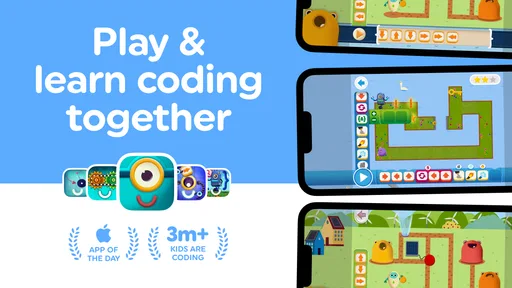
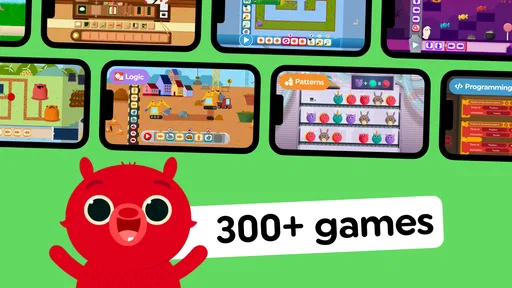
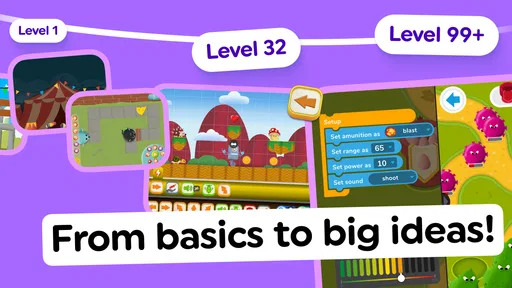
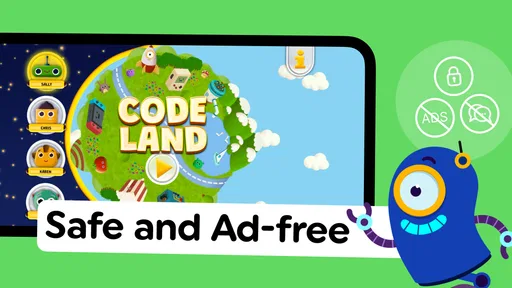
Our Review of Code Land: Coding for Kids
 Analysis by Appyee
I tend to judge a children’s coding game less by how much it promises to teach and more by what a child can understand after a short session. Code Land: Coding for Kids is aimed at making programming ideas approachable through play, so it suits families who want a gentle first encounter rather than a formal coding course. I’d think of it as a starting point: a way to practise careful thinking and see how instructions fit together, not a substitute for building software.
What a first session can tell you
The useful test is whether a child can explain why a solution worked, not simply finish a challenge. I’d sit nearby at first and ask them to describe the order of their choices, then let them try again without hints. That small change turns a puzzle into a chance to reason aloud. If they can point to a step that changed the outcome, they are beginning to connect actions with instructions.
For a busy afternoon, I’d use the game in a short, shared turn rather than present it as an open-ended activity that must hold attention for a long time. A child might play a little before dinner, then tell a parent what they tried and what they would change next time. This makes the screen time easier to discuss and gives adults a way to notice whether the challenge feels satisfying or frustrating.
Choosing it over other coding activities
Compared with a worksheet or a coding video, an interactive game asks children to make choices and see what follows. That can be more inviting for a beginner who learns by trying, though a worksheet may be better for a child who likes drawing plans on paper. A block-based coding environment, meanwhile, is a stronger next step when a learner is ready to create a project rather than solve guided puzzles. I would not expect one format to suit every child; the best choice depends on whether they need an easy introduction, a quieter offline task, or more freedom to build.
There is also a useful distinction between enjoying the activity and retaining the idea. If a child races through a level, pause before moving on and ask them to predict what might happen after changing one instruction. If they cannot explain it yet, that is not a failure; it is a cue to slow down and try a simpler example together. The goal is to make the thinking visible, not to turn every session into a test.
Making progress without taking over
When a child gets stuck, I’d avoid giving the answer immediately. Ask them to find the first point where the outcome differs from what they expected, then invite them to adjust one thing at a time. This approach helps distinguish a misunderstanding from a simple missed tap and makes the child more likely to attempt the next puzzle independently. If frustration is rising, stopping and returning later is more useful than pushing through a session that has stopped being enjoyable.
It is worth checking whether the child can manage the controls comfortably and follow the instructions at their own pace. Younger learners may benefit from an adult reading prompts aloud or helping them get oriented, while an older beginner may prefer to explore independently. I would treat assistance as temporary scaffolding rather than assume every child will need the same amount of help.
Who will get the most from it
This is a sensible option for a child who is curious about how instructions make things happen, enjoys puzzles, and is not yet ready for a more open-ended coding tool. It may also work well for a parent or teacher who wants a low-pressure way to start a conversation about logic. Children who mainly want fast action, or who already spend time creating their own programs, may find guided learning games too constrained and should look for an activity that better matches their interests.
Families considering the cost should know that the game is free to start, with optional in-app purchases priced from $1.49 to $49.99 per item. I’d check the purchase options with an adult before handing a device to a child, especially if the device is shared. The Everyone age rating indicates a broad audience, but it does not tell you whether the style or pace will suit your particular child; a brief first session together is the best way to judge.
Engaging Gameplay for Young Minds
When I first launched Code Land: Coding for Kids, I was immediately drawn into its vibrant world. The app takes a creative approach to teaching coding by using fun characters and interactive challenges. Kids are tasked with solving puzzles and completing missions, all while learning the basics of programming.
The game is designed for children aged 6 and up, but honestly, I found myself getting hooked too! The app's interface is super kid-friendly, making it easy for little ones to navigate without getting frustrated. Plus, it’s packed with colorful graphics and catchy tunes that keep the energy high.
Learning Through Play
One of the standout features of this app is its focus on learning through play. Kids are introduced to coding concepts like loops, sequences, and conditionals through hands-on activities. The app cleverly disguises educational content within its gameplay, making learning feel like a natural part of the fun.
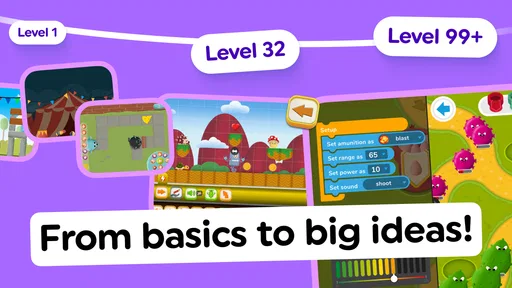
There are various levels and challenges that gradually increase in complexity, ensuring that kids are constantly engaged and learning new things. Each completed level rewards players with badges and certificates, which adds an extra layer of motivation and achievement.
Parent and Teacher Approved
As a parent, I appreciated the app’s approach to privacy and safety. There are no ads or in-app purchases, so kids can play safely without any unwanted interruptions. The app also provides detailed progress reports, which is a fantastic way for parents and teachers to track a child’s development and understanding of coding concepts.
It’s no wonder that educators are raving about this app. The educational value is top-notch, and it aligns with school curriculums, making it a useful tool in the classroom as well.
A Few Quirks
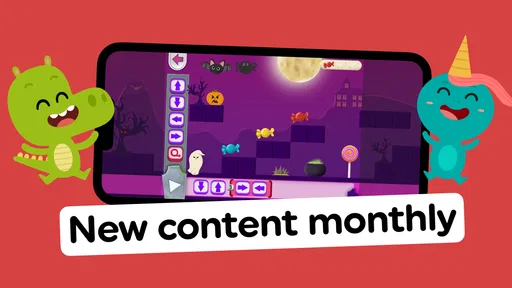
While Code Land: Coding for Kids is a fantastic tool, it’s not without its quirks. Some of the levels can be a bit repetitive, which might cause some kids to lose interest after a while. However, the developers are constantly updating the app with new content to keep things fresh.
Another point to consider is that younger kids might need a little help getting started, especially if they're new to coding concepts. But once they get the hang of it, they’re off to the races!
Final Thoughts
All in all, Code Land: Coding for Kids is a delightful introduction to the world of coding. It combines education with entertainment seamlessly, making it an excellent choice for kids who are curious about how technology works.
If you’re looking for a fun and educational app that will keep your child engaged while teaching them valuable skills, this one’s definitely worth checking out. Just be prepared for your little ones to come running to you, excitedly showing off their new coding tricks!
So, if you’re ready to turn screen time into learning time, give Code Land: Coding for Kids a try. It might just inspire the next generation of tech geniuses!
Speed, stability, and practical expectations
I would approach its performance as a simple learning game, not as a demanding visual showcase. The sensible expectation is that play should feel direct enough for children to focus on the puzzle, but device age, available space, and background activity can affect how any game behaves. If a screen takes a moment to respond, I’d first close other apps and retry rather than assume the lesson itself is the problem.
The game is free, comes from educational developer Learny Land, and has a 4.6 average from around 2.9 thousand ratings. It has passed 500 thousand installs, which suggests it has found a sizeable audience, though popularity alone cannot predict how smoothly it will run on a particular tablet or phone. Its current version is 2026.02.00, and it requires Android 7.0 or later.
When play gets demanding
The moments most likely to test a young player are not necessarily technically intense ones. A child may move quickly between challenges, repeat a puzzle after an unexpected result, or ask an adult to help interpret what happened. I’d keep the device within easy reach and make sure the child has time to complete a thought before switching activities. That reduces rushed taps and makes it easier to tell whether a problem came from the puzzle or from handling the screen.
For shared use in a classroom or at home, I’d establish a simple routine: let the child try independently, ask them to explain their approach, and only then offer a hint. This keeps help focused and avoids an adult solving the challenge on the child’s behalf. If the game seems less responsive during a busy session, a short pause and relaunch can be a reasonable first troubleshooting step; it is also a good moment to take a break rather than prolong a frustrating turn.
Device fit and purchase awareness
The minimum operating system requirement is an important practical check before installing, particularly on an older hand-me-down device. The game is rated Everyone, but age suitability is not the same as reading readiness or comfort with touchscreen puzzles. I’d try it alongside the child once, see whether they can follow the activity, and decide whether they can continue without frequent adult help.
Although the game is free to download, it offers optional in-app purchases ranging from $1.49 to $49.99 per item. That is worth discussing before a child plays on a shared device: an adult can review the purchase controls and set clear expectations about what is and is not available. This is a practical trade-off for families who want to start without paying upfront but prefer to keep spending decisions firmly in adult hands.
My performance verdict
For a supported device that meets the system requirement, I see no reason to treat this as a performance-heavy choice; the main question is whether its puzzle-led approach holds the child’s interest. I would not promise identical speed on every device, and I’d avoid judging its educational value by how quickly a level loads or how many challenges a child completes. A calm, usable session in which the child can explain a choice is a better measure.
Code Land: Coding for Kids is most convincing as a first step: approachable, playful, and easy to bring into a short learning routine. Its limits matter too. Children seeking unrestricted project creation may outgrow guided puzzles, and adults should account for optional purchases and the possibility that some activities feel repetitive. If those trade-offs fit your household, I’d give it a try together and let the child’s curiosity—not a promise of instant coding expertise—decide whether it earns a place on the device.
Verdict
Strengths of Code Land: Coding for Kids
- Engaging way to learn coding basics.
- Colorful graphics keep kids interested.
- Interactive challenges enhance learning.
- Suitable for various age groups.
- Develops problem-solving skills.
Limitations of Code Land: Coding for Kids
- Limited content for advanced learners.
- Requires internet for full features.
- Some levels may be too easy.
- In-app purchases can add up.
- Occasional minor bugs.
Other Releases by Learny Land
View All
Number Land: Math for Kids
Educational4.5
Similar Picks in This Category
View All
Little Panda Policeman
BabyBus4.0

Monster Trucks Game for Kids 2
Raz Games4.1

Little Panda's Chinese Recipes
BabyBus4.4

Little Panda's Restaurant
BabyBus4.4

Little Panda's Ice Cream Games
BabyBus4.3

Baby Panda Care
BabyBus3.8
Frequently Asked Questions
What age group is Code Land: Coding for Kids suitable for?
Code Land: Coding for Kids is designed for children aged 5 to 12 years old. The app features age-appropriate coding challenges that encourage logical thinking and problem-solving skills. It provides a fun, interactive environment that adapts to different learning paces, making coding accessible and engaging for young learners.
Does Code Land require any prior coding knowledge?
No prior coding knowledge is necessary to start using Code Land. The app introduces fundamental coding concepts through interactive games and activities, making it suitable for beginners. Children can learn at their own pace, gradually building their skills from basic concepts to more advanced programming ideas.
Is Code Land: Coding for Kids available on both Android and iOS?
Yes, Code Land: Coding for Kids is available for download on both Android and iOS platforms. The app can be found in the Google Play Store and the Apple App Store, allowing easy access for users with different devices. It is optimized for both phones and tablets.
Are there in-app purchases or advertisements in Code Land?
Code Land offers a safe and ad-free environment for children. While the app itself may be free to download, it might include optional in-app purchases to unlock additional features or levels. Parents can manage these purchases through the app settings to ensure a controlled and secure experience for their kids.
How does Code Land support educational development?
Code Land supports educational development by fostering critical thinking, problem-solving, and creativity through coding. The app is designed to align with educational standards, providing challenges that enhance cognitive skills. It encourages children to experiment, learn from mistakes, and develop resilience, all crucial skills for academic and personal growth.
Play our best games!


